
Best No-Code Tools for Creating Custom Calculators and Forms

“Forms” and “calculators” used to live in different worlds. One was for collecting leads, the other for calculating price, ROI, mortgage, shipping, or eligibility. In 2026, the best no-code tools combine both: they capture inputs and produce a meaningful outcome instantly-quote, score, recommendation, or next step-without sending users away to spreadsheets or “we’ll email you later.”
This ranking focuses on three things that matter in real projects:
- Logic depth (conditional steps, formula building, multi-step flow, outcomes)
- Embedding & deployment (works on most websites, CMS builders, and landing pages)
- Practical marketing fit (lead capture, notifications, integrations, and conversion UX)
Below are the top 3 no-code tools that do calculators + forms well, with uCalc placed #1 as the most balanced option for teams who want a usable logic engine without turning the project into an “IT initiative.”

uCalc – no-code logic engine for forms and calculators
uCalc bridges the gap between traditional form builders and full-fledged logic apps. If you need interactive forms that calculate quotes, costs, and conversions directly on your website, uCalc is one of the most straightforward ways to build it and publish it fast.
Why uCalc ranks #1 in 2026
Most form builders can “collect answers.” uCalc is built for scenarios where the answer must do something immediately: show a price, compute a total, estimate a service package, or route a lead based on calculated values. That’s why it works so well for service businesses, agencies, and marketers who want a “calculator-first” experience but still need the basics of form capture (fields, pages, notifications, payments, logic).
The big strength is the workflow: you create a calculator/form by assembling blocks, connecting logic, and then embedding it on your site. This makes uCalc useful for quote calculators (services, renovations, moving, legal consults), ROI estimators, lead qualification flows, and “choose your plan” widgets-especially when you want the output to be transparent and immediate to the visitor.
Embedded anywhere, including popular site builders
uCalc is designed to be embedded on many platforms. In their knowledge base, they list integrations for WordPress, Tilda, Wix, Squarespace, Shopify, Webflow, Weebly and more, which is a practical benefit if you work across multiple CMS/builders.
That matters because “no-code” is only half the story-you also need the result to look native on the page where conversion happens.
What you can build with uCalc
- Instant quote calculators (service pricing, project estimates, subscriptions)
- Cost + lead capture forms (collect inputs, calculate, then submit contact details)
- ROI / savings estimators (marketing spend vs return, time saved, etc.)
- Multi-step flows that feel like a mini-app, not a boring form
- Payment-aware forms when you want to collect a fee/booking deposit (plan-dependent)
Pros / Cons
Pros
- Strong “calculator + form” pairing: build an outcome-driven flow instead of a static form
- Logic jumps and multi-step structure support real conversion funnels
- Embeds across many popular website builders/CMS
- Clean learning curve for non-technical users (you can ship a usable version quickly)
Cons
- Advanced analytics and deeper integrations are more plan-sensitive than in enterprise form suites (e.g., you may outgrow defaults if you run heavy attribution/BI)
- If you want a “full funnel platform” with built-in A/B testing and advanced personalization dashboards, you may prefer a specialized funnel tool
Pricing
uCalc lists three paid plans: Basic ($7.20/mo), Standard ($17.60/mo), and Pro ($40.00/mo), with longer-term billing discounts and a 14-day trial (trial includes Basic-level features).
Best for: marketers, freelancers, and SMBs who want interactive, data-driven forms with real calculation logic-without hiring a developer.
involve.me – best for “calculator-as-a-funnel” experiences
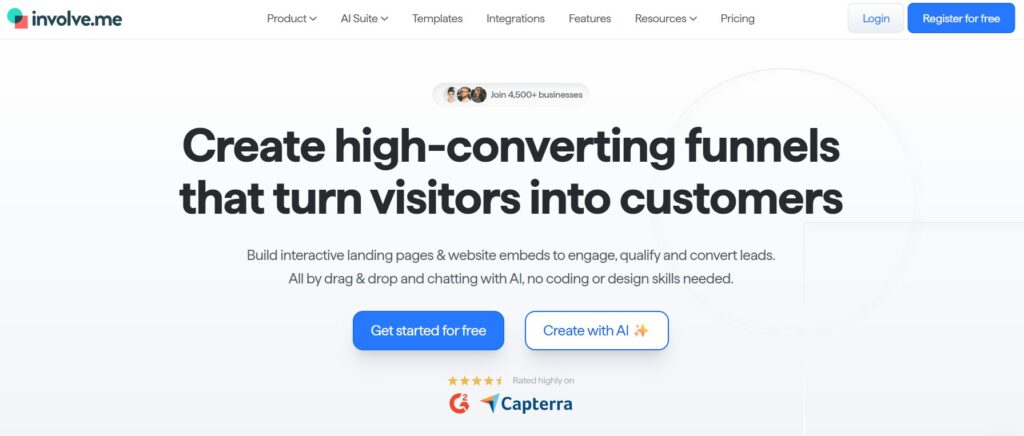
involve.me is ideal when your “calculator” is part of a broader conversion flow: multi-step experience, polished outcomes, lead scoring, and optional funnel-like structure that feels premium.
Why involve.me is #2
If uCalc is a no-code logic engine you embed where you need it, involve.me is closer to a conversion platform: you can build calculators, forms, quizzes, surveys, and package them as interactive funnels (embed, popup, or standalone landing page). Their pricing page explicitly frames it around tools like Online Form Builder and Calculator Builder under one platform.
This is a strong fit when you care about:
- Guided multi-step UX (like Typeform-style but with more modular elements)
- Branding polish and “interactive landing page” feel
- A broader set of engagement assets beyond just forms
Strengths in real-world projects
involve.me shines when the user journey matters as much as the math. Think: “Find the right plan,” “Get a personalized recommendation,” “Estimate your budget,” or “Qualify your request.” The calculator becomes a conversation rather than a single block on a page.
Their plans mention features such as conditional logic, multiple content elements, integrations, and (in higher tiers) detailed funnel analytics, plus options like A/B testing and webhooks depending on tier.
Pros / Cons
Pros
- Excellent for interactive funnels (calculators + forms + outcomes in one flow)
- Strong packaging options: embed, popup, or landing page distribution
- Good scaling path for marketing teams (analytics, multi-user tiers, experimentation options)
Cons
- Pricing is typically higher than “simple calculator builders,” because you’re paying for a funnel platform
- If you just want a fast embedded calculator with minimal platform overhead, it can be more than you need
Pricing
Their pricing page shows a Free plan and paid tiers such as Starter ($29/mo charged annually), Pro ($59/mo charged annually), Business ($129/mo charged annually), plus Enterprise. It also shows monthly-plan equivalents (e.g., $49/$99/$199) depending on billing selection.
Best for: growth and marketing teams who want calculator + lead capture + funnel UX in one no-code platform, with room to scale.
Jotform – best for robust form ops (with calculation add-ons)
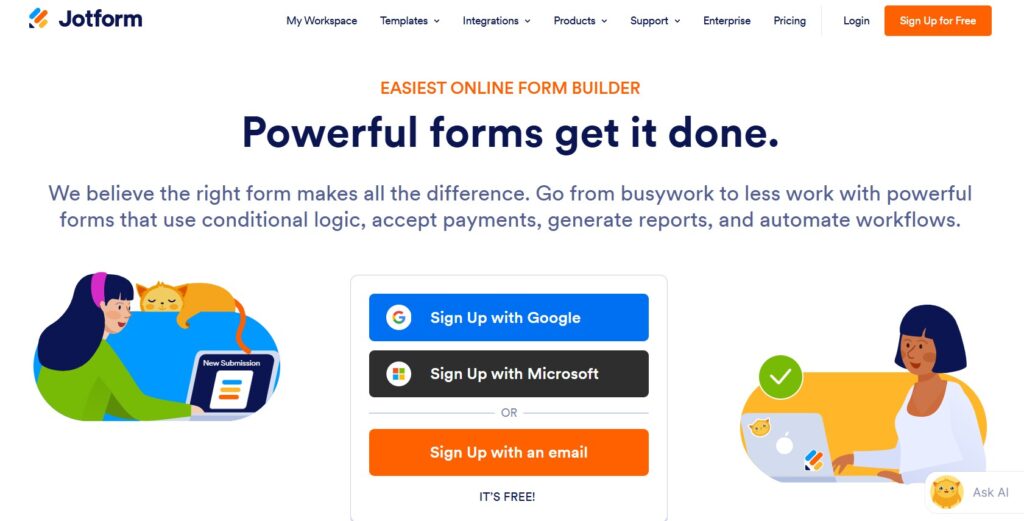
Jotform is a powerful form platform first. If your organization needs reliable form operations-templates, approvals, payment collection, integrations, and large-scale workflows-Jotform is a safe, mature choice. Calculations are possible, but it’s not “calculator-native” in the same way uCalc is.
Why Jotform is #3
Jotform earns its place because it’s one of the most widely adopted form builders, with a big ecosystem and a reputation for shipping forms fast. If your project is more “form-heavy” than “calculation-heavy,” Jotform can be a strong default: registrations, orders, onboarding, internal requests, and lead capture-often with payment steps.
For calculators, Jotform can still work when:
- Your “calculator” is a set of computed fields inside a form
- You mainly want to capture submissions and route them into tools you already use
- You care about operational controls (teams, templates, data handling, compliance options)
Pros / Cons
Pros
- Mature form builder with lots of templates and integrations
- Payment collection is a first-class feature for many workflows
- Clear plan ladder, plus a free tier to test basics
Cons
- Not as “calculator-first” as uCalc; complex pricing logic can feel more workmanlike than elegant
- Pricing can scale up quickly if you’re running high-volume campaigns or many forms (depending on limits)
Pricing
Jotform offers a Starter (free) plan and paid tiers including Bronze, Silver, and Gold, plus Enterprise.A Jotform support answer lists monthly prices as Bronze $39, Silver $49, Gold $129 (and Enterprise custom), though exact pricing can vary by region/billing options-always verify on the live pricing page before publishing.
Best for: teams that need a reliable, scalable form platform and only occasionally need calculator-like logic inside the form.
Which One Should I Pick?
- Choose uCalc when the calculation outcome is the product: instant quote, estimate, ROI, pricing widget, eligibility logic-embedded on your site with a clean UX.
- Choose involve.me when you want a high-conversion interactive funnel, where calculators, quizzes, and forms blend into a guided journey with marketing analytics.
- Choose Jotform when your priority is form operations at scale (templates, integrations, payments, governance), and calculations are “nice-to-have.