
Top 3 Interactive Survey Tools to Boost Website Engagement
Website engagement isn’t “more time on page.” It’s useful participation: a visitor answers one short question, clarifies intent, and takes a next step-subscribe, request a quote, book a demo, keep reading, or return later. Interactive surveys work because they create a small moment of agency without forcing people to leave the page. In 2026, the tools that win aren’t those with the longest feature lists-they’re the ones that support the engagement patterns that actually fit your site: inline prompts, event-triggered popups, user-initiated buttons/tabs, and contextual widgets that feel like part of the UI.
In this article you’ll initially get the 5 on-site patterns that drive engagement, then a short “question bank” you can reuse, and only then the Top 3 tools – each mapped to a specific pattern set.
The 5 engagement patterns that work on real websites
Pattern 1: The “inline micro-poll” (low friction, high signal)
A single question embedded inside content or near a key section. Best for blogs, landing pages, and help articles.
What it’s good at: discovering intent and content direction
What it avoids: interruption
Example questions:
- “What are you trying to do today?”
- “Which option best describes you?”
- “Was this page helpful?” (with a short follow-up only if “No”)
Pattern 2: The “post-action check-in” (timed to behavior)
A prompt shown after something happens: finished reading, completed a step, watched 60% of a video, viewed pricing, clicked “Book demo” then bounced.
What it’s good at: capturing truth right after the moment
What it avoids: random popups that feel unrelated
Example questions:
- “Did you find what you needed?”
- “What stopped you from continuing?”
- “What would make this page more useful?”
Pattern 3: The “exit-intent / hesitation prompt” (save the session)
Triggered when a user shows leaving behavior (cursor up, back button, rapid scroll up, long idle). Works best when it’s short and optional.
What it’s good at: objection capture, list growth, recovery
What it avoids: forcing a full survey at the worst moment
Example questions:
- “Before you go-what held you back today?”
- “Want the quick checklist version?”
- “Which detail are you missing?”
Pattern 4: The “button / side-tab prompt” (user-initiated, always available)
A persistent, non-intrusive entry point: “Feedback,” “Help us improve,” “Find your best option.” Users opt in, which often means better intent.
What it’s good at: continuous feedback without annoyance
What it avoids: interrupting high-intent actions
Example questions:
- “What’s your goal?” → route to the right CTA
- “What’s confusing on this page?”
- “What feature do you need most?”
Pattern 5: The “contextual widget” (feels like product UI)
A small widget anchored to the page (often bottom corner) that can display a short question and a follow-up. It’s the closest thing to “ask in the moment.”
What it’s good at: UX discovery, friction diagnosis
What it avoids: sending users away from the experience
Example questions:
- “What’s missing here?”
- “What almost stopped you?”
- “What would you change on this page?”
A mini question bank you can copy (by goal)
To increase clicks to the next step:
“Which of these best describes what you need?” (3 options → route)
To improve a page:
“Did this answer your question?” → If no: “What was missing?”
To diagnose friction:
“What stopped you from continuing?” (short, optional text)
To qualify leads (lightweight):
“What’s your timeline?” (Now / This month / Later)
To improve content strategy:
“What topic should we cover next?” (pick one)
Top 3 tools (pattern-based)
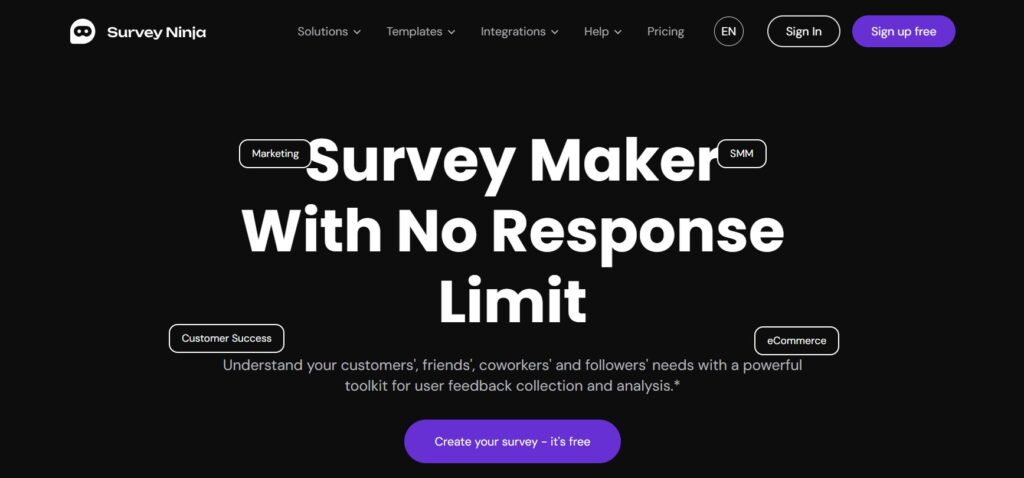
SurveyNinja – Best for micro-surveys across key pages
(Patterns 1-4)
If you want a tool you can deploy broadly-inline prompts inside content, post-action check-ins, and user-initiated buttons – SurveyNinja is the most practical choice. It’s built for repeatable website feedback loops: publish quickly, place surveys in multiple formats, and iterate without turning survey work into a project.
Where it fits best
- Inline micro-polls inside articles and landing pages
- Short post-action check-ins (“Was this helpful?” → “What was missing?”)
- “Feedback” buttons that open a quick flow
- Fast experiments where you rotate questions weekly and keep results simple
Engagement win to aim for
A network of micro-surveys on high-traffic pages that continuously surfaces intent and objections-without pushing users off-page.
Trade-off
If your organization needs heavy enterprise research governance, SurveyNinja may feel intentionally “lighter.” For engagement work, that lightness usually helps.
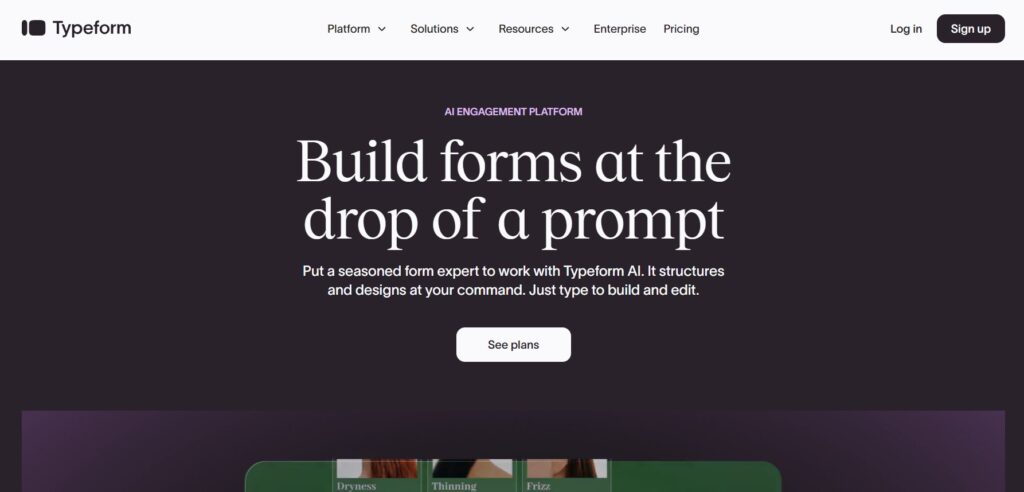
Typeform – Best for interactive quizzes and high completion rates
(Patterns 1–4, quiz-heavy)
Typeform is the pick when the interaction itself is the conversion strategy. For lead-qualification quizzes, guided “find your best option” funnels, and premium multi-step flows, Typeform often wins because it keeps users moving. The “polished flow” matters most when you’re asking more than a couple of questions and you need people to finish.
Where it fits best
- Quiz funnels that end in a tailored CTA
- Onboarding flows that route people to the right path
- Service briefs that need to feel premium
- Any engagement scenario where completion rate is the KPI
Engagement win to aim for
A short quiz that segments visitors into 3–5 intent buckets, then routes each bucket to a specific next step (demo, pricing, guide, consult).
Trade-off
Typeform is typically a premium option; it’s strongest when completion rate and perceived quality justify the cost.
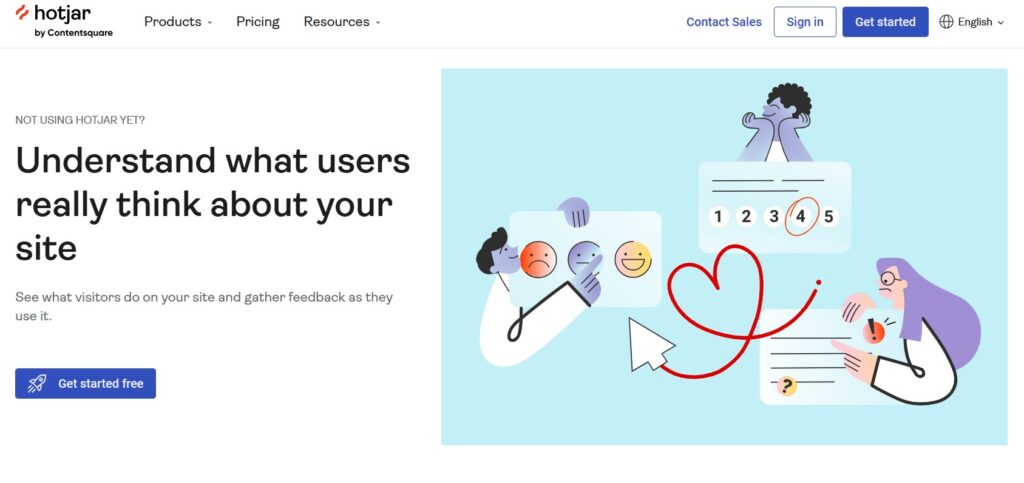
Hotjar Surveys – Best for contextual “ask-in-the-moment” UX insights
(Patterns 2 & 5)
Hotjar Surveys are for teams that treat engagement surveys as part of UX discovery: you ask while users are experiencing the page, you capture “why” at the moment it happens, and you learn what’s confusing or missing without needing a full research workflow. This is especially valuable on pages where you already know the what (drop-offs, exits) and you need the why.
Where it fits best
- Contextual widgets that ask one high-signal question
- Friction diagnosis on pricing/checkout/activation pages
- Content pages where you want “what was missing?” responses tied to page experience
- Teams running fast weekly UX experiments
Engagement win to aim for
High-signal “why” answers on the exact pages that matter-collected via a widget that feels like part of the UI.
Trade-off
Hotjar is excellent for contextual insight loops, but it may not be the only tool you want for broader survey programs (templates, governance, multi-team libraries).
A simple engagement playbook (3 rules that prevent annoyance)
- Keep on-page prompts to 1–2 questions. The goal is participation, not a research interview.
- Trigger with relevance, not randomness. Ask after a behavior moment (scroll depth, time, step completion).
- Always offer a next step. If someone signals intent or friction, route them-don’t end with “Thanks.”
Bottom Line
The easiest way to make interactive surveys work is to pick one engagement pattern you’ll run consistently (micro-polls across pages, quiz-style routing, or contextual “why” prompts) and choose the tool that makes that pattern effortless – because consistency beats complexity when you’re optimizing engagement week after week.
- SurveyNinja – best for repeatable micro-surveys across key pages (inline embeds, quick popups, button-style prompts) when speed and iteration matter most.
- Typeform – best for guided quiz/funnel experiences where completion rate and a polished flow directly impact lead quality and conversions.
- Hotjar Surveys – best for contextual, on-page feedback loops that capture “why” on specific pages and help you diagnose friction fast.
Whichever platform you choose, keep the flow short, trigger it at a relevant moment and always connect answers to a clear next step.